GTAVC

Note: Frame rate is unlocked (0) for best performance on modern hardware. However, the original game was designed for 30 FPS. Unlocked framerates may cause weird physics bugs.

If you get stuck on a mission due to physics, or if you are playing on a low-end or mobile device that is overheating, change the limit above to 30.

About Vice City Web Edition
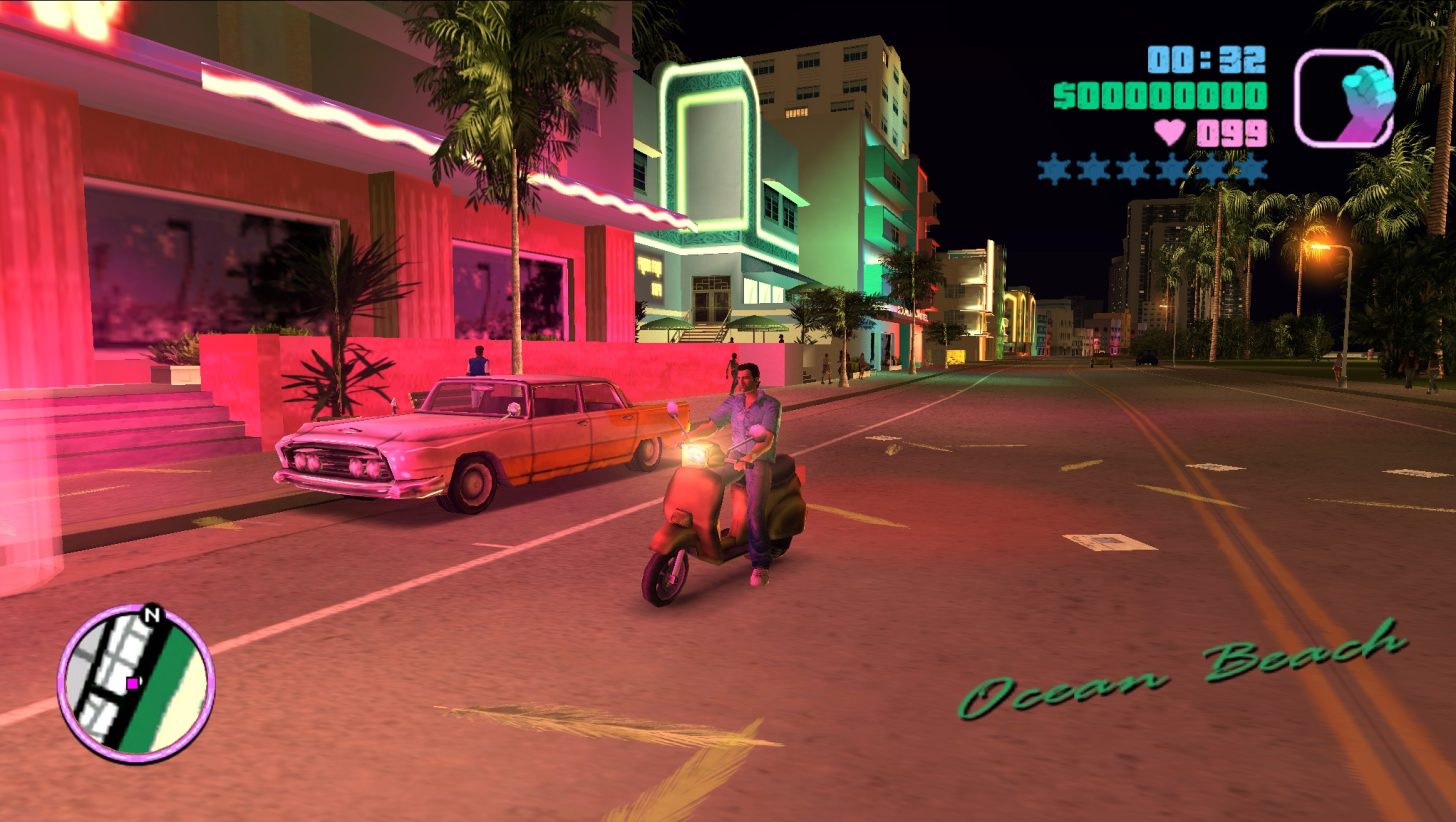
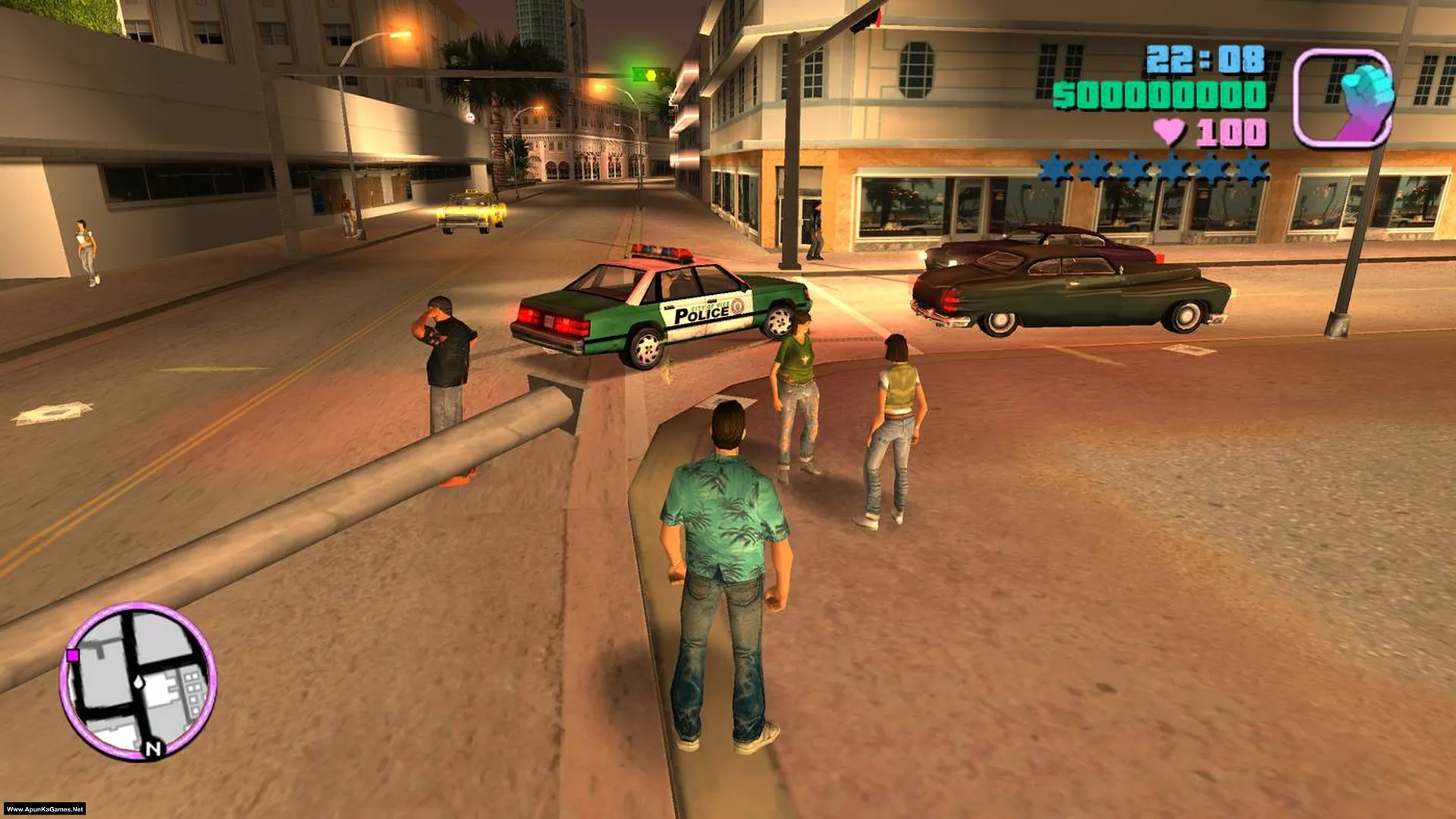
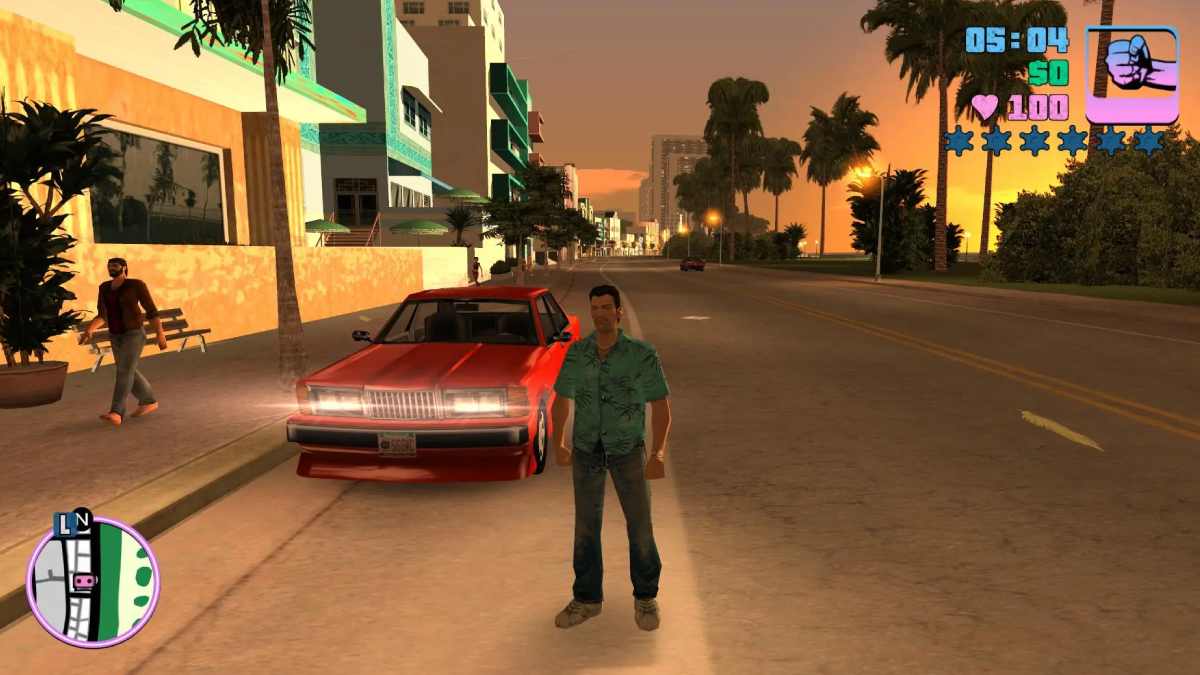
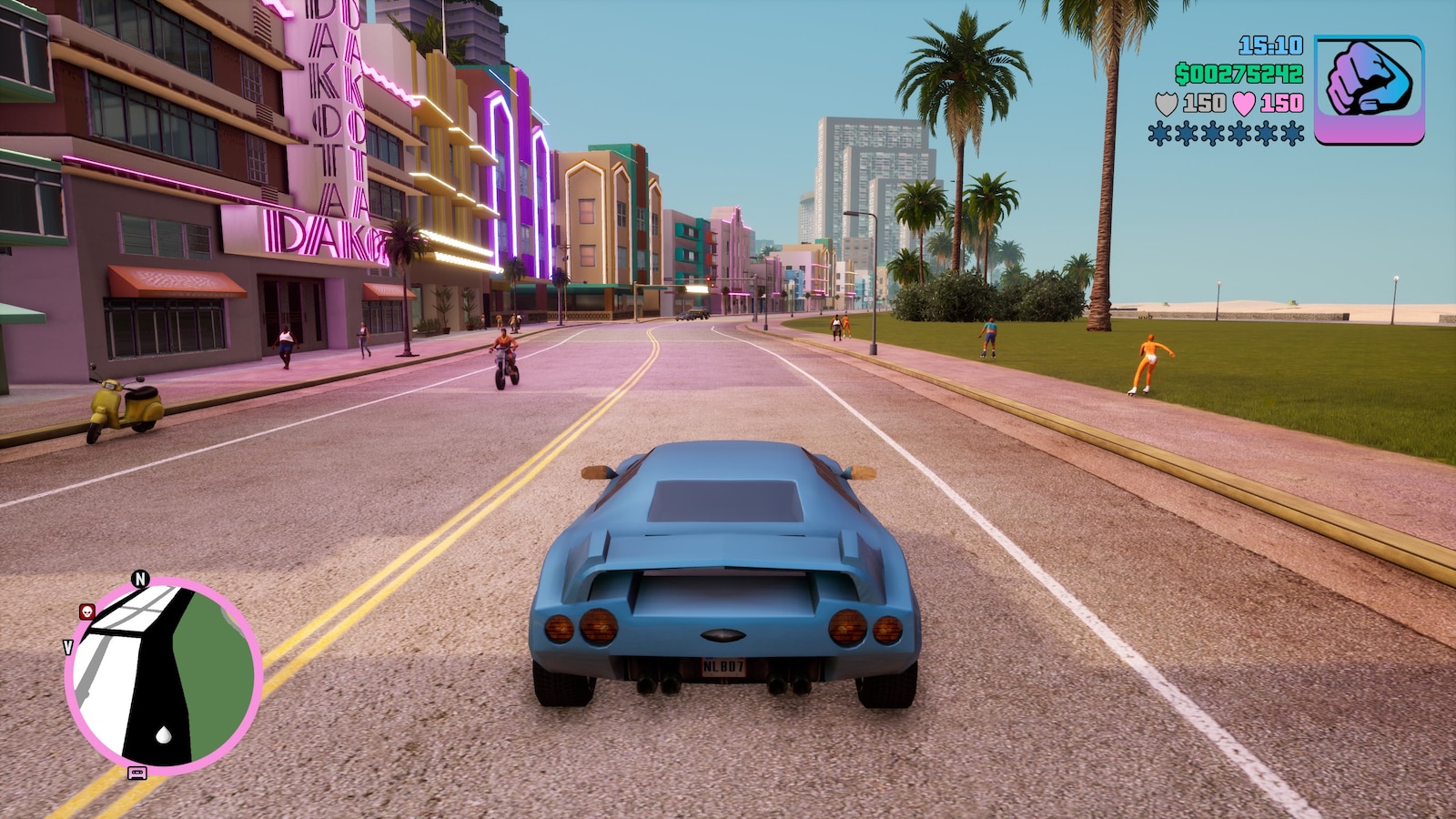
GTA Browser is built around a browser-first Vice City experience: open the site, complete the one-time setup, and return later without installing a desktop launcher. The game runtime is delivered through WebAssembly, while the surrounding web app handles storage, saves, touch input, fullscreen controls, and troubleshooting.

On the first setup, the browser downloads the required game data and extracts it into the Origin Private File System (OPFS). The download is roughly 701 MB, so the first setup depends on your connection speed. Once the files are stored and verified, later visits can reuse the local copy instead of repeating the full setup. The site also keeps an offline-capable app shell, so a completed local installation can reopen and play from browser storage without an internet connection. Clearing browser site data will also clear that local game cache.

The page includes tools designed specifically for browser play. The Save Manager can import and export compatible .b save files, while the Mod Manager gives you a controlled way to work with custom files and backups. Desktop players can use keyboard, mouse, or a supported gamepad; mobile players get on-screen touch controls that adapt to the game state.

For stable classic-game physics, the built-in frame-rate control lets you cap the game at 30 FPS. Fullscreen mode, local save persistence, cheat controls, download progress, extraction status, and recovery messages are all available from the same interface so you can diagnose setup issues without leaving the page.

What GTA Browser adds around the game:

  • One-time local setup: Game data is stored in OPFS so repeat visits can start from local browser storage.
  • Offline play after setup: After the full game and offline app shell are cached once, GTA Browser can reopen and launch the locally stored game without an internet connection. Clearing browser site data removes the offline copy.
  • Save tools: Import, export, and back up compatible save files without digging through browser databases manually.
  • Desktop and mobile controls: Keyboard, mouse, controllers, and responsive touch controls are supported from the same web client.
  • Performance controls: Fullscreen and FPS limiting help tune the experience for laptops, desktops, and mobile devices.
  • Built-in game tools: Cheat access, mod management, reset options, and setup diagnostics are available directly from the page.

Need a reference while playing? See the complete browser cheat-code guide, or browse the Vice City guides and walkthroughs.

Guides & Articles

Practical browser-focused guides for setup, performance, controls, saves, troubleshooting, cheats, mods and the technology behind the game.

→ View all GTA Browser guides

Discussion

Frequently Asked Questions

Can I play GTA Vice City in my browser without reinstalling it every time? +

Yes. GTA Browser is designed around a one-time local setup. On the first complete installation, the required Vice City game data is downloaded and stored inside your browser's Origin Private File System (OPFS). On later visits, the site checks that local storage first, so the full game archive does not need to be downloaded again unless you clear the site's browser data or the local copy becomes unavailable.

Can GTA Browser work offline after the game has been downloaded? +

Yes, after a full local setup has completed and the offline app shell has been cached. The homepage, Play interface, browser runtime files, and locally installed game data can load from browser storage without an active internet connection. Online-only features such as comments, Discord, cloud services, and external links may not work while offline. Clearing site data removes the offline game copy and requires setup again.

How large is the first GTA Vice City browser download, and where is it stored? +

The current full setup is roughly 701 MB before extraction. GTA Browser streams and extracts the archive into OPFS, a private storage area managed by your browser for this website. The files are not installed as a traditional Windows or Android program. Keep enough free device storage available for the extracted game data, save files, and normal browser operation.

Does GTA Vice City browser play support mobile touch controls and gamepads? +

Yes. Desktop players can use keyboard and mouse, and supported browser gamepads can be used where available. On phones and tablets, GTA Browser provides on-screen touch controls that adapt between on-foot and vehicle gameplay. Landscape orientation is recommended on mobile because it gives more room for the game view, steering controls, and action buttons.

How do saves work in GTA Browser? +

Game progress can be stored locally in the browser, and the built-in Save Manager provides tools for backing up and restoring compatible save files. Exporting a backup is useful before clearing browser data, changing browsers, or moving to another device. Browser storage is tied to the exact site origin, so saves stored on one domain or browser profile do not automatically appear in another.

Why does GTA Vice City show a black screen, stay on loading, or fail to start in the browser? +

A black screen or stuck loading state can be caused by incomplete local game files, blocked browser storage, an interrupted first download, low available disk space, or required browser features being unavailable. Use a current version of Chrome, Edge, Firefox, or Safari, allow the site to use browser storage, and retry the setup if it was interrupted. If a previous local installation is damaged, use the reset option and perform a clean setup.

Why should I use the 30 FPS limit for GTA Vice City? +

Vice City was originally designed around a lower frame-rate target, and some classic mission logic, vehicle behavior, and physics can behave differently at very high frame rates. If you see unusual physics, unstable missions, or excessive CPU/GPU use, set the built-in FPS limiter to 30. This can also improve stability on older laptops, Chromebooks, and mobile devices.

How can I improve GTA Vice City browser performance on a low-end PC or phone? +

Close unnecessary browser tabs and background applications, use the 30 FPS limit, keep enough free device storage available, and avoid battery-saving modes that heavily throttle the browser. After the first setup, locally cached OPFS files reduce repeated network work. Performance still depends on your CPU, GPU, browser, thermal limits, and available memory.

What happens if I clear browser data or switch from gta-browser.vercel.app to gtabrowser.com? +

OPFS, Service Worker caches, and local saves belong to the exact website origin that created them. Clearing site data removes that local installation. Data stored for the Vercel hostname does not automatically move to gtabrowser.com because browsers treat those as different origins. After you settle on the final domain, complete the setup there once and keep that site's data if you want repeat and offline play.